
Wifi
Free wifi is available for customers bringing their own laptops or devices into the library.
You can find instructions in our libraries on how to access the wifi, or read our GovWifi page.
Printing and scanning
Printers and Princh printing is available in all our libraries.
Printing costs:
- 20 pence per A4 sheet for black and white copies
- 50 pence per A4 sheet for colour copies
Scanners are also available in all libraries.
Public computers
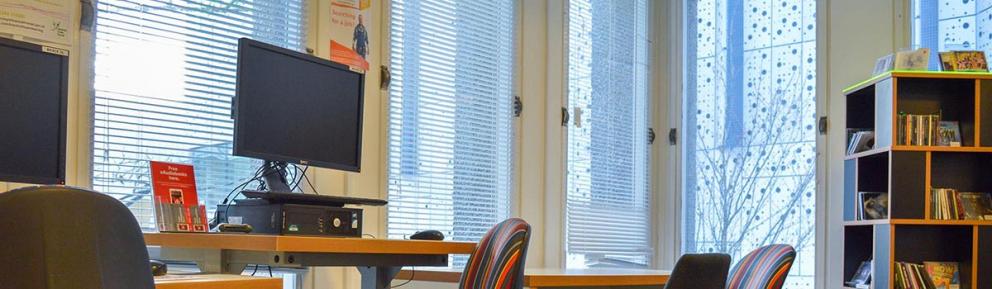
There are computers in all our libraries for public use. Read our internet use policy before using our computers.
Time limits and charges
Computer charges are:
- Bracknell Forest library members: free of charge
- Non members: £4.50 per half hour
Subject to availability, users are allowed a maximum of 2 hours per day in total.
This can be staggered throughout the day or used in one sitting. A user may begin their session in one Bracknell Forest library and continue it in another. The maximum time is 2 hours per day, not 2 hours per library.
Use of USB storage device
Customers can upload and download files from and onto their own removable USB.
Booking a computer
You can book a computer in advance:
- in the library - on screen before your current session ends or at the counter
- by calling the library (have your library membership number to hand)
If you have not booked a computer and you find that all the computers are in use when you arrive at the library, go to the counter and ask a member of staff to book a session for you on the next available computer.
If you do not do this, current sessions may be extended by the people who are already using the computers and you will have to wait longer for a computer to become available.
If computers are available when you arrive, you can use them until the next booked session begins. The login screen will tell you how long you have until the next booking.
Software available
The internet is available through Edge.
The software installed on our computers is Microsoft Office 2024. It includes the following:
- Adobe Reader (for viewing and creating pdfs)
- IrFanView (graphics editor)
- Microsoft Access
- Microsoft Excel
- Microsoft Paint
- Microsoft Powerpoint
- Microsoft Publisher
- Microsoft Video Editor
- Microsoft Word
- Paint 3D (raster graphics editor, allowing the user to paint and edit pictures)
- VLC Media Player
Library catalogue
You can access the library catalogue through the computers in our libraries. You can search, request or renew items from all our libraries.
Online resources
Our online resources page has links to information such as encyclopaedias and family history sites.